
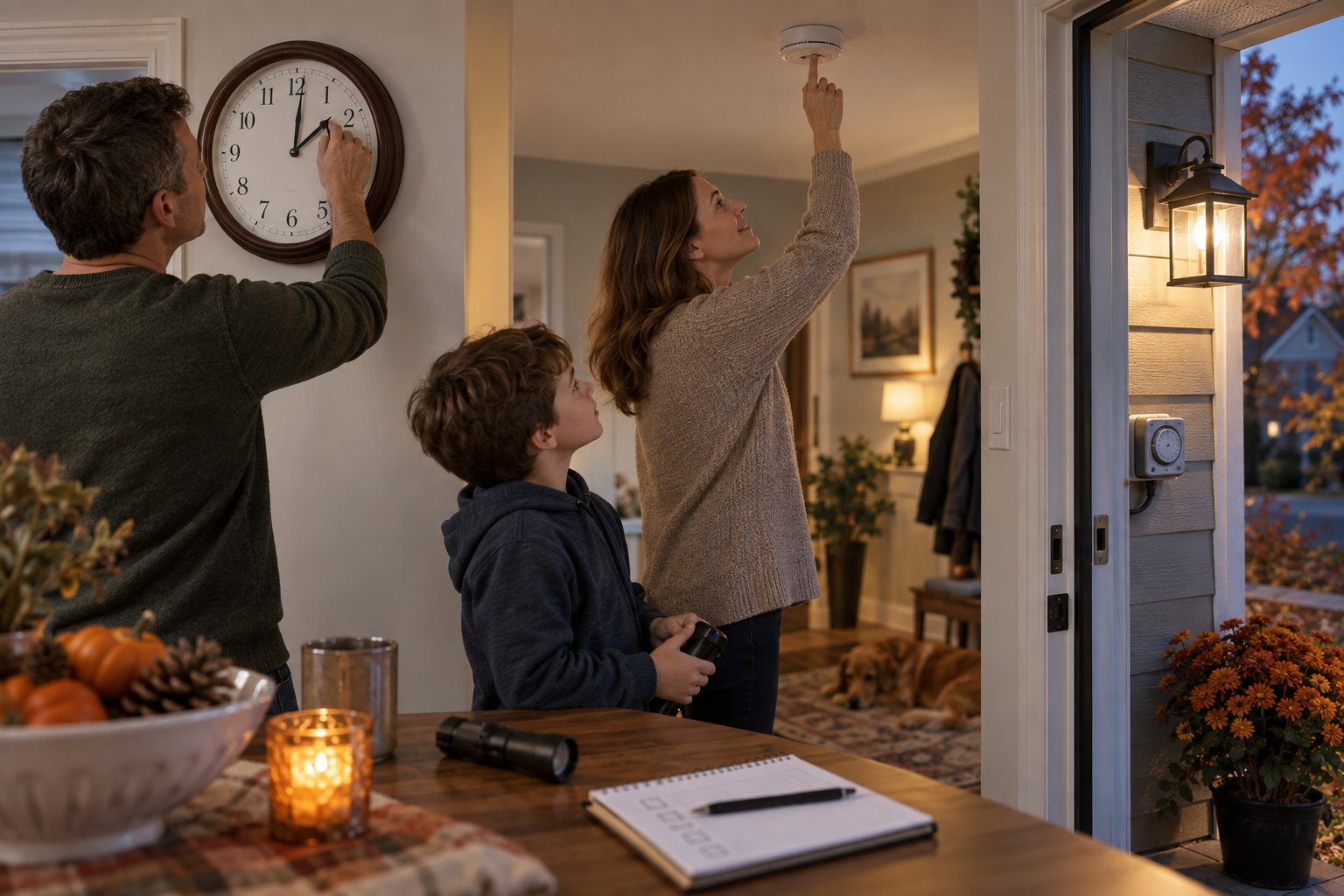
Daylight saving time ends in most of the United States at 2:00 a.m. local time on Sunday, November 1, 2026. Move manual clocks back one hour, then check alarms, appliance clocks, lighting schedules, and time-sensitive routines. Phones may update automatically, but household systems do not all follow the same rule.
The date and rule come from the National Institute of Standards and Technology. Arizona, Hawaii, and some U.S. territories do not observe the seasonal change, so confirm the rule where you live or travel.
1. Check which clocks update automatically
Phones, computers, smart speakers, and connected thermostats often update through network time settings. Verify that automatic date, time, and time-zone options are enabled and that the displayed time zone is correct.
Manually set ovens, microwaves, coffee makers, wall clocks, watches, cars, irrigation controllers, and older thermostats. A device can show the correct hour while keeping an incorrect morning or evening schedule, so review programmed events too.
2. Review alarms and calendar appointments
Open the next few days of appointments, flights, medication reminders, school events, and work shifts. Confirm the time zone for virtual meetings, especially when participants live in regions that change clocks on different dates.
Do not create duplicate alarms until you know how the device handles the repeated hour. For overnight work, transportation, or care schedules, follow the employer or provider's written instructions.
3. Adjust outdoor lighting and home routines
Sunset will feel earlier after the change. Check porch lights, walkway lighting, pet walks, child pickup routines, and exercise plans. Timer-based lights may need a one-hour change, while dusk sensors should be cleaned and tested.
Use the change as a prompt, not a reason to leave outdoor lights on all day. Replace failed bulbs and confirm fixtures are rated for their location.
If colder weather is also arriving, work through the fall home energy checklist rather than changing the thermostat schedule alone.
4. Test safety devices according to their instructions
Many households use clock changes as a reminder to test smoke and carbon-monoxide alarms. Follow the manufacturer's testing and replacement instructions; do not assume every alarm needs a new battery twice a year. Sealed ten-year devices and hardwired alarms have different maintenance needs.
Check the manufacture or replace-by date printed on the unit. Replace a device that fails its test or has reached the end of its listed life.
5. Update thermostat schedules
Confirm that morning, away, return, and sleep periods still match the household. A connected thermostat should display the correct local time after the change, while an older programmable model may need a manual adjustment.
If you are considering new equipment, review whether a smart thermostat is worth it before buying. The time change is a useful review point, but it does not make a replacement necessary.
6. Check recurring household timers
Look at sprinklers, pool equipment, aquarium lights, security routines, pet feeders, and medical equipment reminders. Change only settings you understand and are authorized to manage. Some systems may use a central controller or service provider.
For security cameras and alarms, verify recorded timestamps after the change. Incorrect time can make an otherwise useful event record difficult to interpret.
7. Prepare for the Monday after the change
Set out morning essentials and avoid scheduling optional early tasks if your household usually needs time to adjust. Children and pets may follow the previous feeding or sleep time for a few days.
Keep the adjustment ordinary. A one-hour shift does not require rebuilding the entire family schedule. Move routines gradually when needed and keep wake times consistent enough for work and school obligations.
Finish by writing down which devices required manual changes. Store the list with household maintenance notes. When clocks change again, you will have a tested checklist instead of searching every room from memory.
Did this guide help?
Your optional support helps PeekBlue research and publish practical guides that remain free for everyone.
Support PeekBlue One-time support. Articles stay free.